How It Works

How Simplifier Works

Three simple steps. Any document type. Instant clarity powered by Google Gemini AI.

Three Steps to Understanding

No learning curve. No complicated setup. Just add your document and get the answers you need.

1

Add Your Content

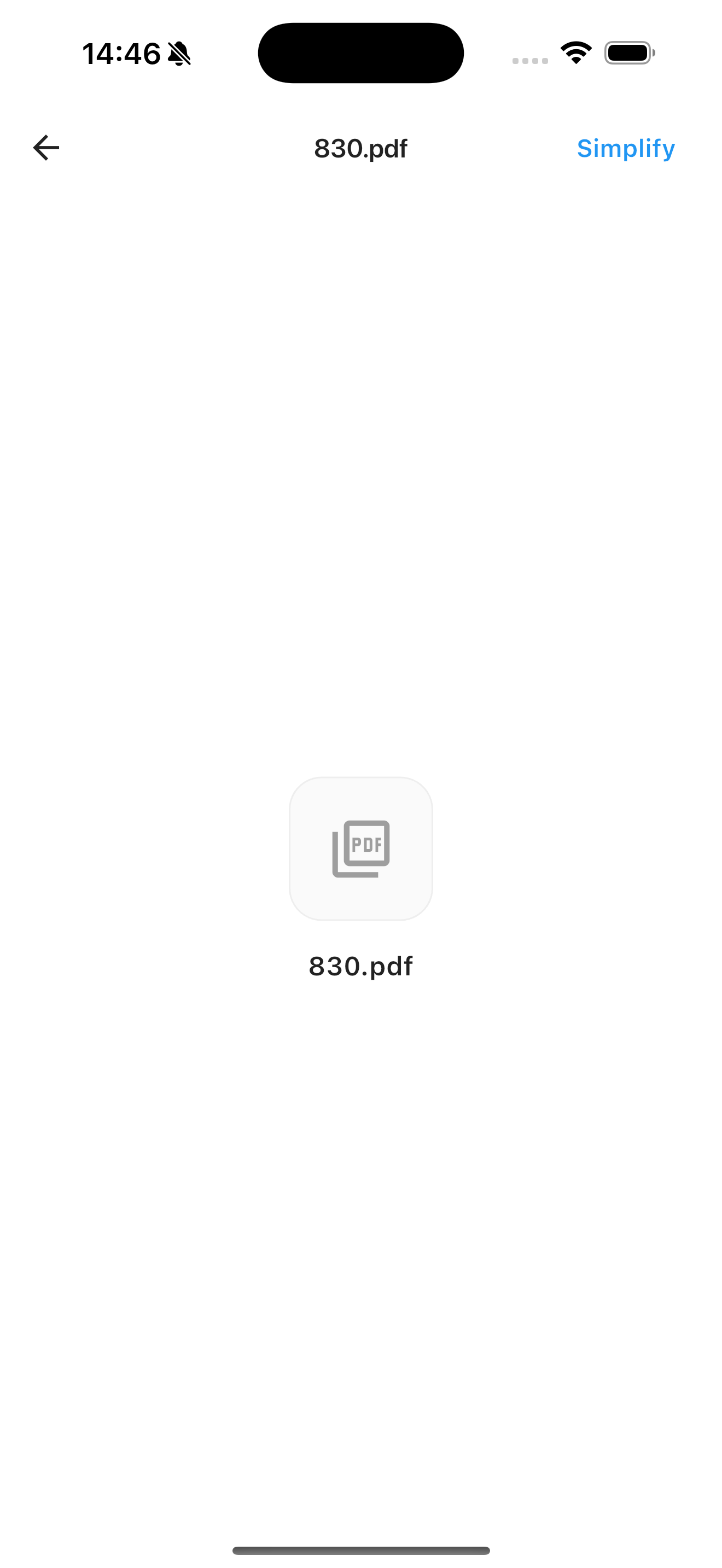
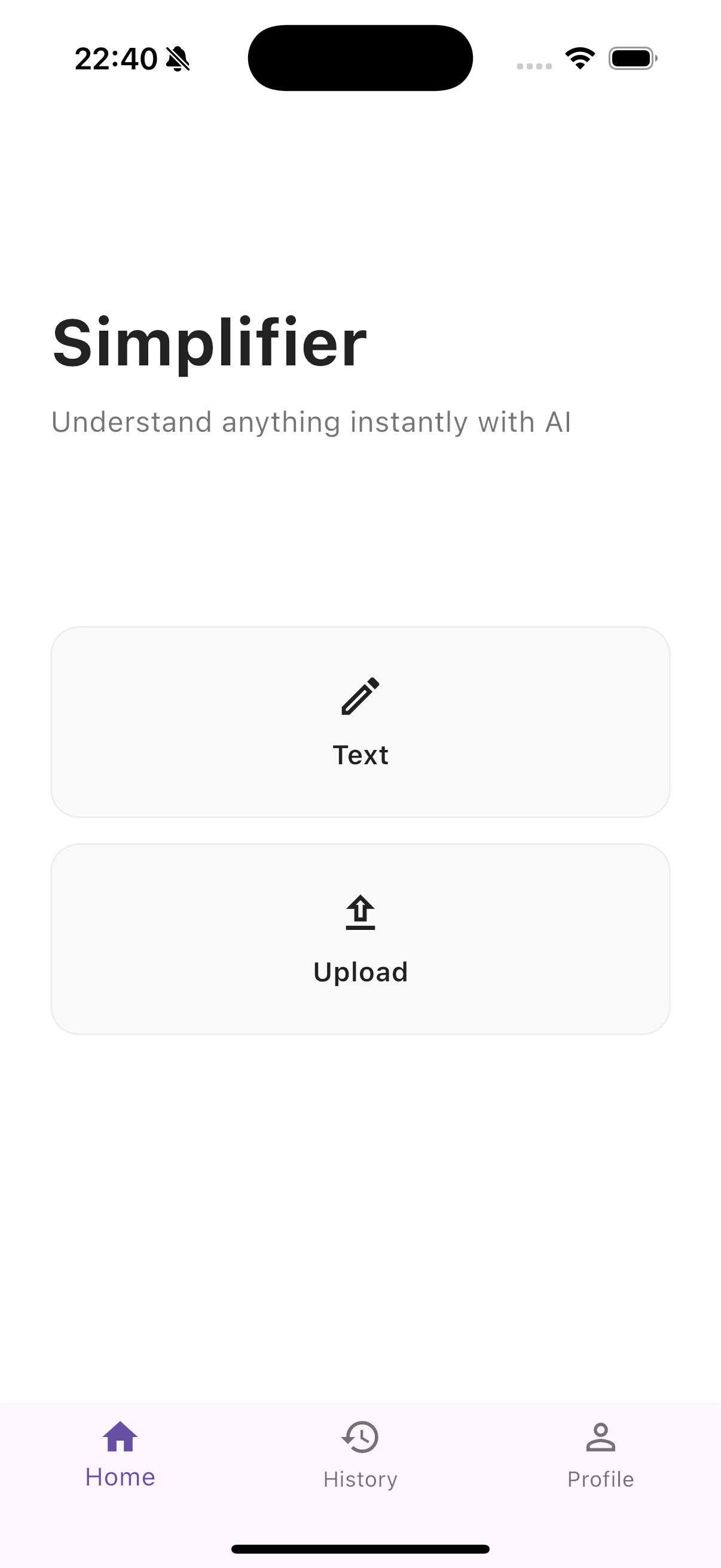
Open Simplifier and add your document in any format that works for you. Paste text directly, take a photo with your camera, or upload a file from your library. You can also share documents directly from any other app using the iOS Share Sheet.

  • Paste or type text directly in the app
  • Take a photo of any physical document
  • Upload PDF or Word (.docx) files
  • Share from Mail, Safari, Files, or any iOS app
📤

Add any document

2

Choose Your AI Mode

Select how you want to understand your document. Simplifier offers 4 AI-powered analysis modes, each designed for a different purpose. Not sure which to pick? Start with Summarize — it's the best starting point for most documents.

  • 📝 Summarize — Get the key points fast
  • 💡 Explain — Understand in plain English
  • ✨ Simplify — Rewrite for clarity
  • ❓ Ask — Get answers to specific questions

🎯

4 analysis modes

3

Get Clear, Instant Results

Receive your analysis in 2–5 seconds, powered by Google Gemini AI — one of the world's most advanced language models. Results are clear, accurate, and delivered in the same language as your document. Copy or share results directly from the app.

  • Results in 2–5 seconds
  • Automatically responds in your document's language
  • Copy, share, or save results
  • No history stored — complete privacy

Instant results

Analysis Modes

Four Ways to Understand Any Document

Each mode is powered by Google Gemini and optimized for a specific type of understanding.

📝

Summarize

Get the essential points of any document without reading it all. Simplifier extracts the most important information and presents it in clear, scannable bullet points.

  • Perfect for long contracts & reports
  • Annual reports and research papers
  • News articles and blog posts
  • Medical literature and studies
💡

Explain

Get a plain English explanation of complex content. Simplifier breaks down jargon and technical language into words anyone can understand — while keeping the full meaning.

  • Medical test results & diagnoses
  • Legal clauses and fine print
  • Financial statements & tax documents
  • Technical manuals and specifications

Simplify

Rewrite complex text in simple, clear language while preserving the meaning. Great for sharing simplified versions with family members or anyone who needs plain language.

  • Insurance documents and terms
  • Government forms and notices
  • Academic papers and research
  • Any overly complex writing

Ask Questions

Ask specific questions about your document and get direct, accurate answers. Like having a knowledgeable friend read the whole document and answer exactly what you need to know.

  • "What is my net salary after deductions?"
  • "When does this lease expire?"
  • "What are my cancellation rights?"
  • "What does this medical term mean?"

Works With Every Document Type

Whatever format your document comes in, Simplifier can handle it.

📋
Text
Paste or type
📷
Photos
Camera & gallery
📄
PDF
.pdf files
📝
Word
.docx files
🖼
Images
JPG, PNG, WebP

12+ Languages Supported

Simplifier detects your document's language and responds in the same language automatically — no setup or translation needed.

🇬🇧 English🇪🇸 Spanish 🇫🇷 French🇩🇪 German 🇮🇹 Italian🇵🇹 Portuguese 🇳🇱 Dutch🇮🇱 Hebrew 🇸🇦 Arabic🇨🇳 Chinese 🇯🇵 Japanese🇰🇷 Korean 🇹🇷 Turkish🇮🇳 Hindi

Your Privacy is Protected

Simplifier is built with privacy as a core principle, not an afterthought.

🔒

On-Device First

Documents are processed and results returned directly to your device. We don't store your content.

👤

No Account Needed

Download and start immediately. No email, no sign-up, no personal data required.

🚫

Zero Data Retention

After analysis, your document content is gone. We don't keep logs of what you've analyzed.

Ready to Try It?

Download Simplifier free and understand your first document in under 60 seconds.